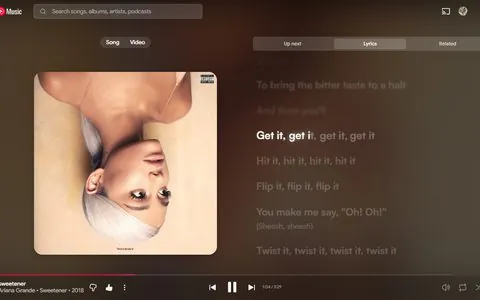
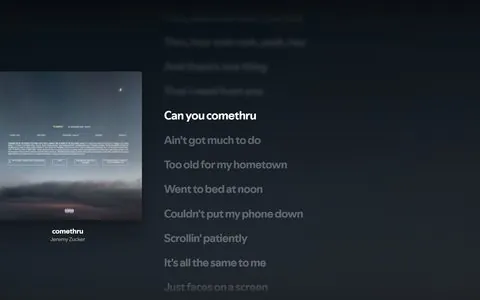
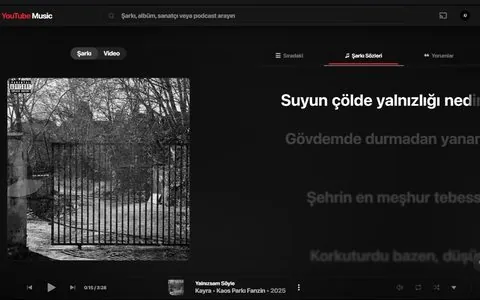
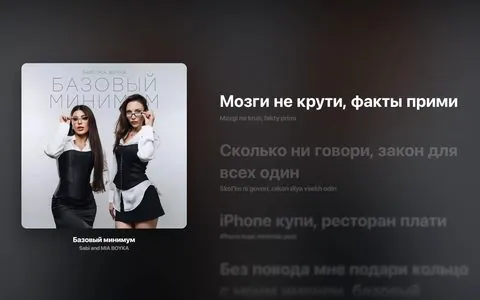
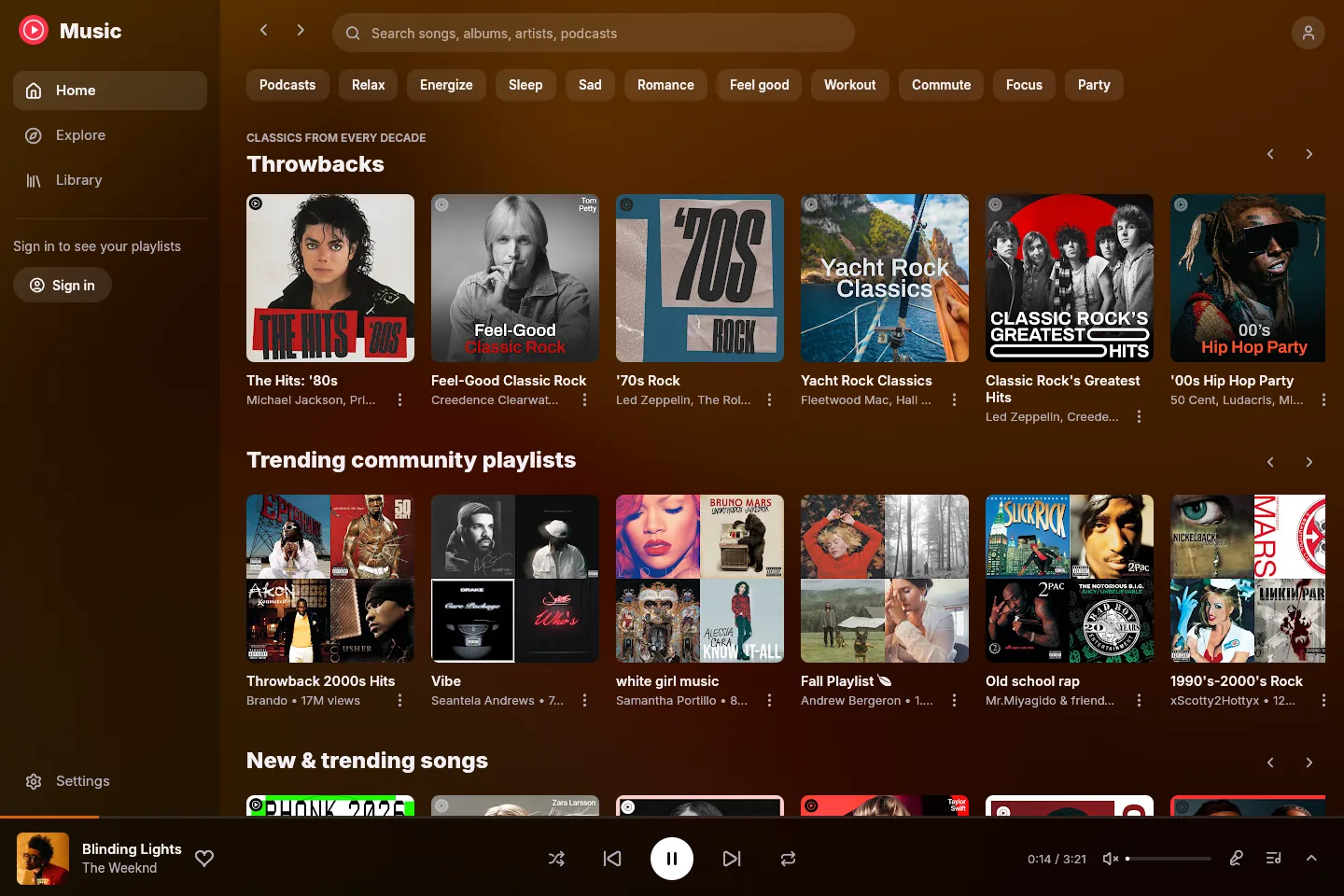
Your feed, your mixes
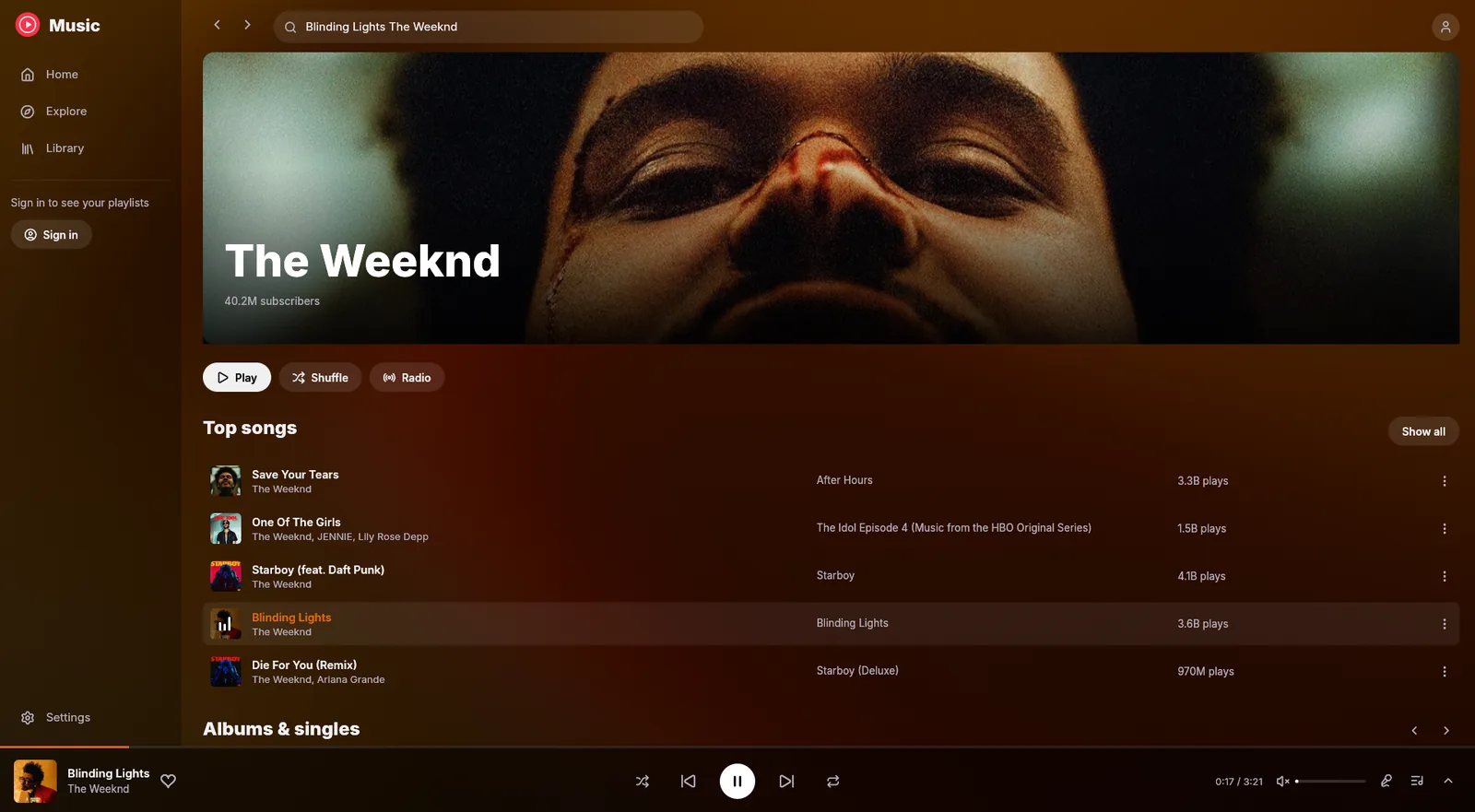
Listen again, Quick picks, My Supermix, Discover Mix and mood filters, straight from your YouTube Music home. Keep scrolling and more loads in. Your own playlists play too.
 ytm-rs
ytm-rs is a native YouTube Music app for Windows, written in Rust. It comes as a 7 MB installer with word-by-word synced lyrics, romanization and 26 themes, and draws nothing at all when you aren't looking.
Measured with v0.2.12 on Windows 11: private memory with a song playing (about 80 MB idle, 102 MB with lyrics open), and frames drawn with the window idle.
Better together
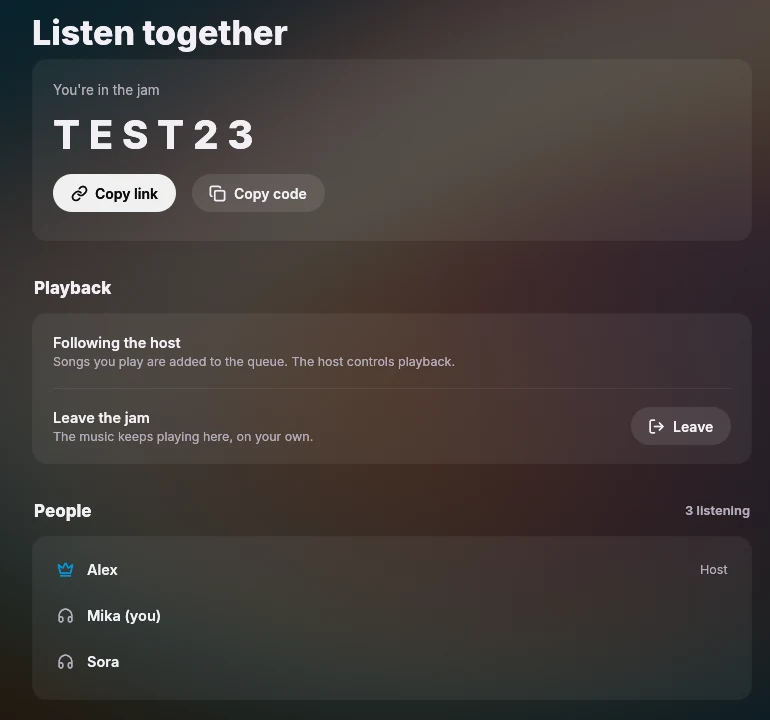
Start a jam and share the code or the link. Friends who open it land straight in ytm-rs and hear what you're playing at the same moment, each streaming it on their own.
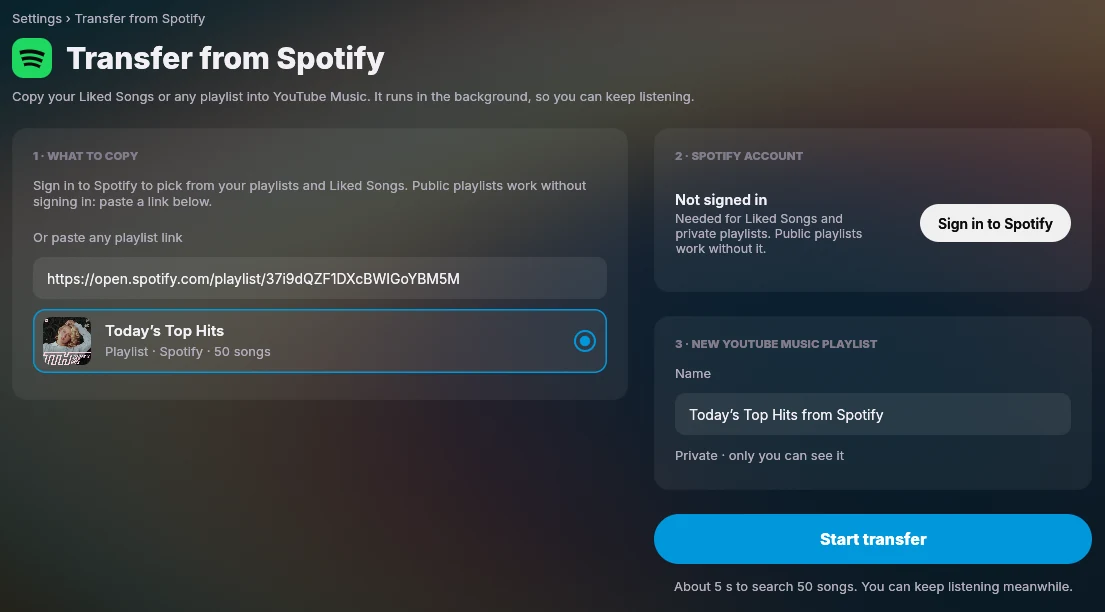
Pick a playlist or your Liked Songs, or paste any playlist link, and keep listening while ytm-rs finds every song on YouTube Music.
Synced lyrics
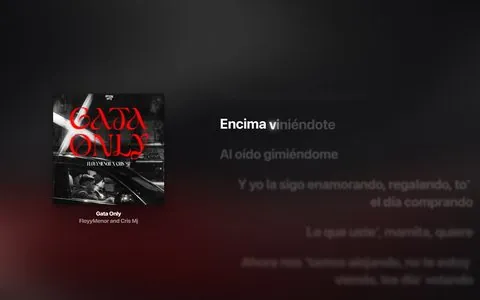
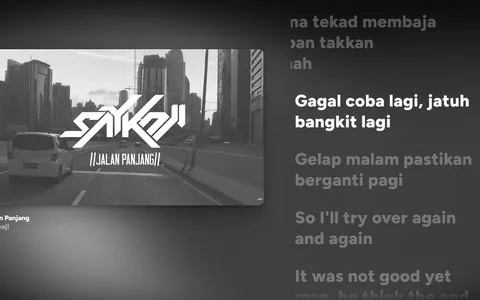
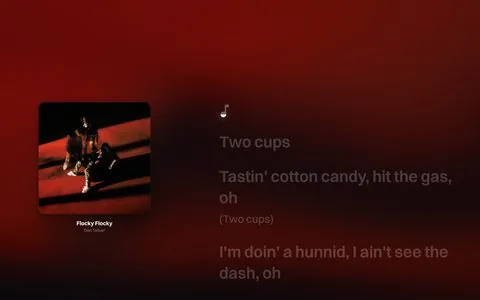
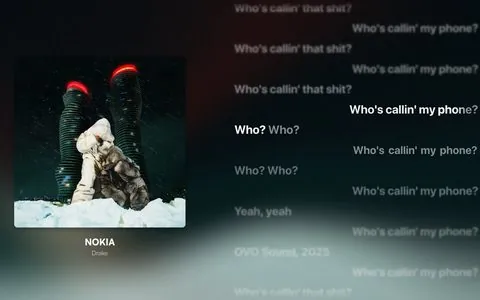
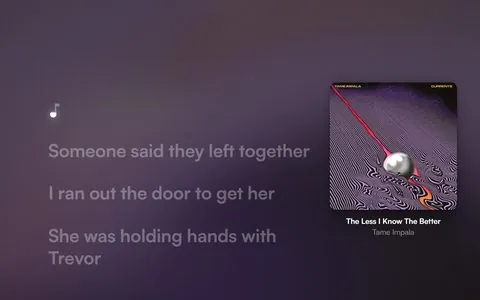
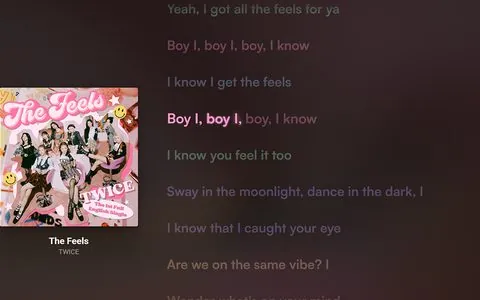
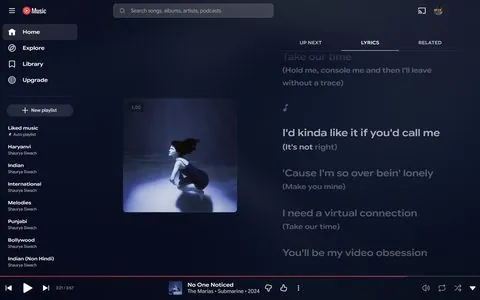
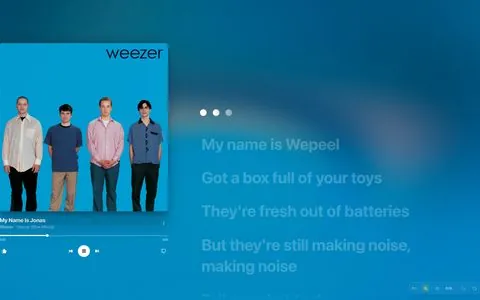
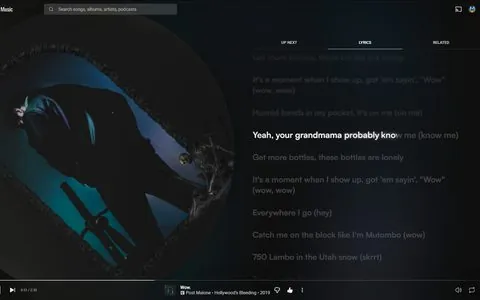
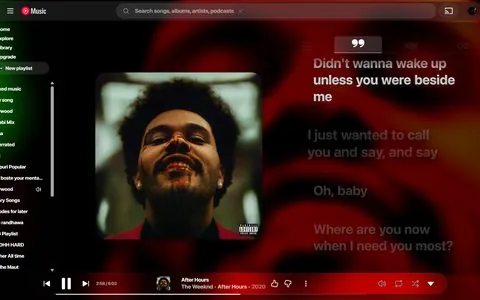
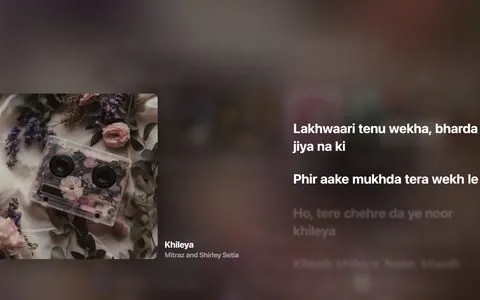
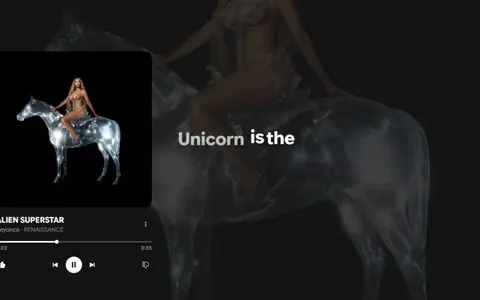
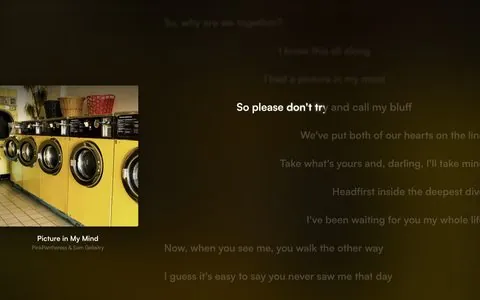
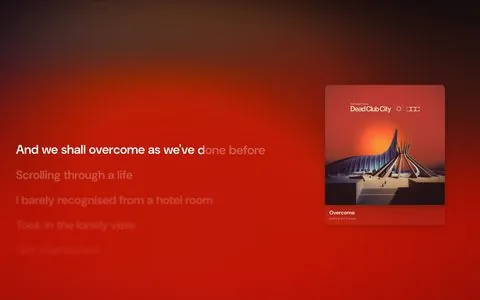
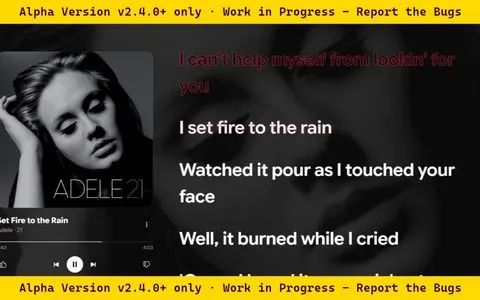
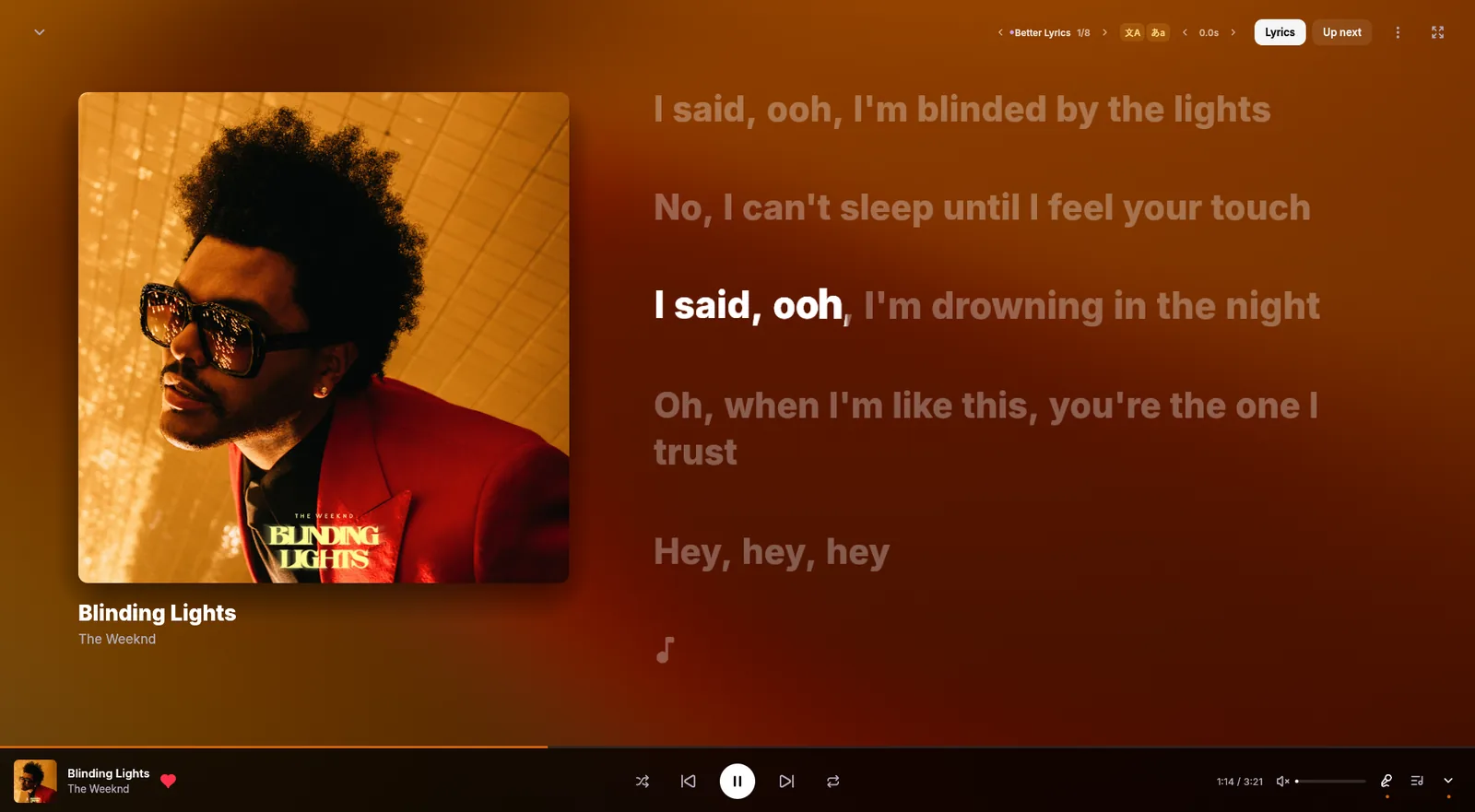
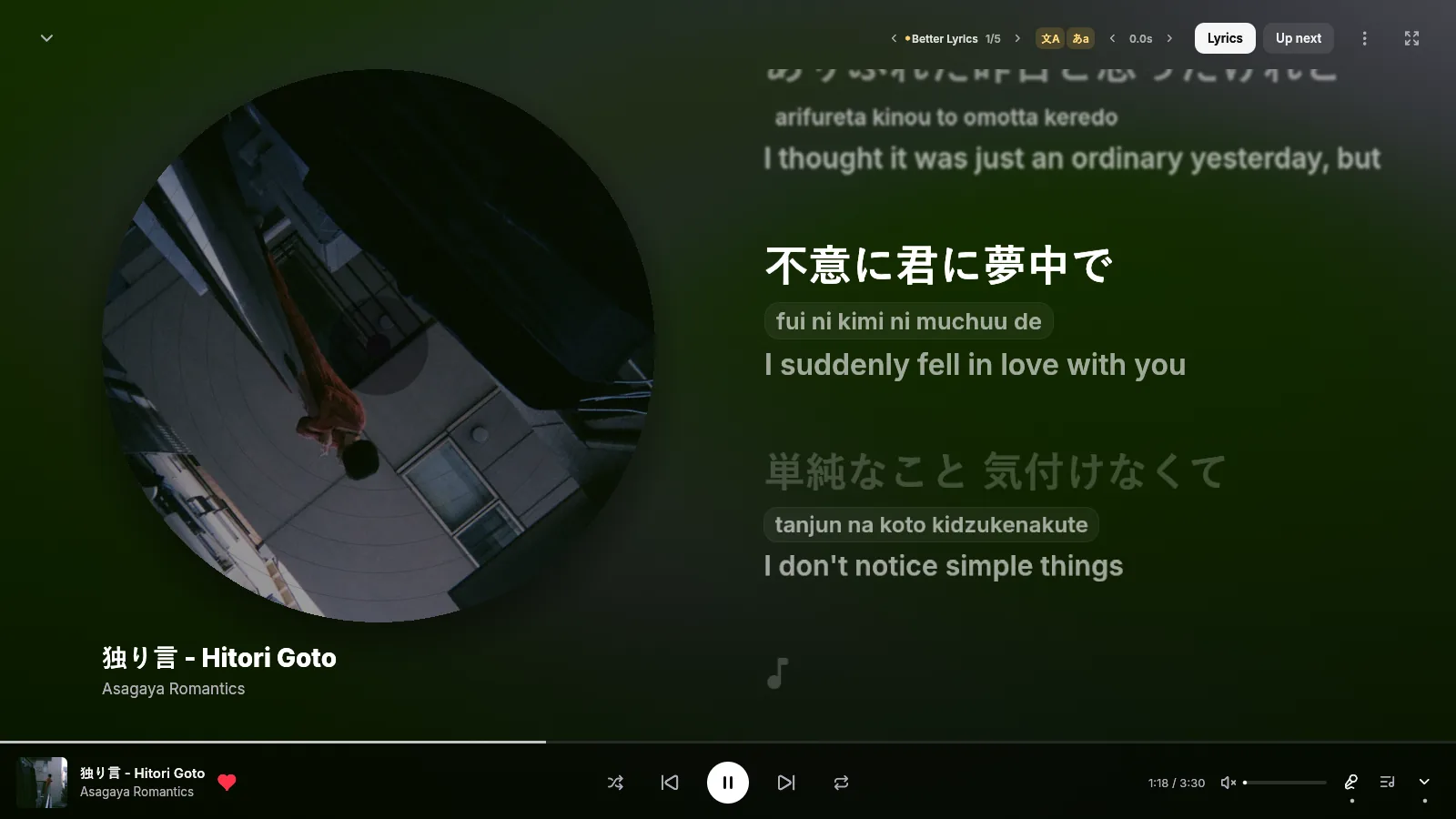
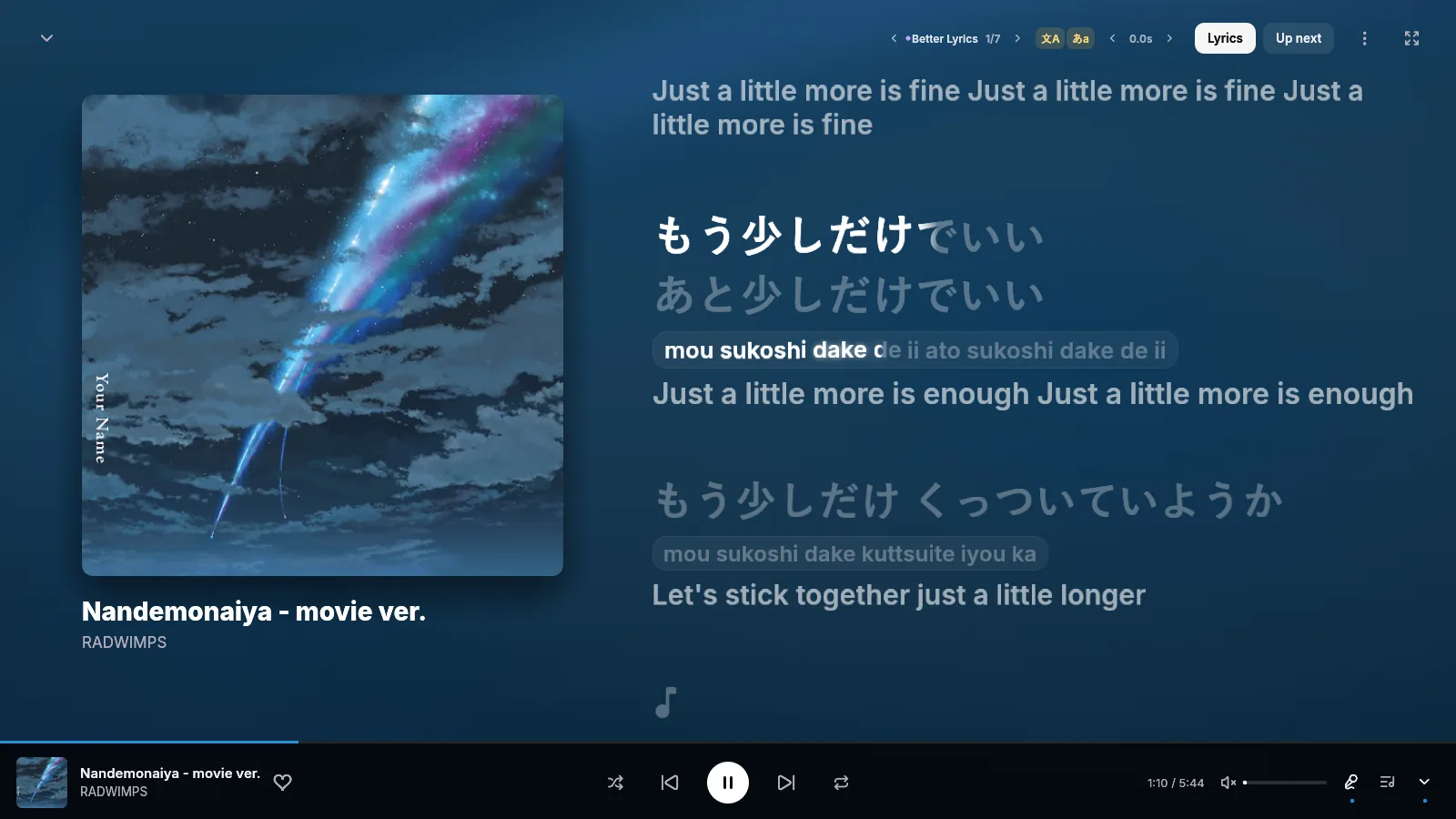
Words fill in as they're sung, the way the Better Lyrics extension draws them. Click a line to jump there. Japanese, Korean, Chinese and other non-Latin lyrics get romanization and a translation in their own rows underneath. Try it below. The styles use the same numbers as the app's theme presets.
The demo plays the lyrics of さくら さくら (Sakura Sakura), a traditional Japanese folk song in the public domain. In the app, lyrics come from every source Better Lyrics uses, with the next one taking over when a source has nothing. Translations come from the lyrics when included, otherwise from Unison or Google Translate. Source, romanization, translation and timing controls sit next to Lyrics in the now-playing view.
Everything you use YouTube Music for
Listen again, Quick picks, My Supermix, Discover Mix and mood filters, straight from your YouTube Music home. Keep scrolling and more loads in. Your own playlists play too.
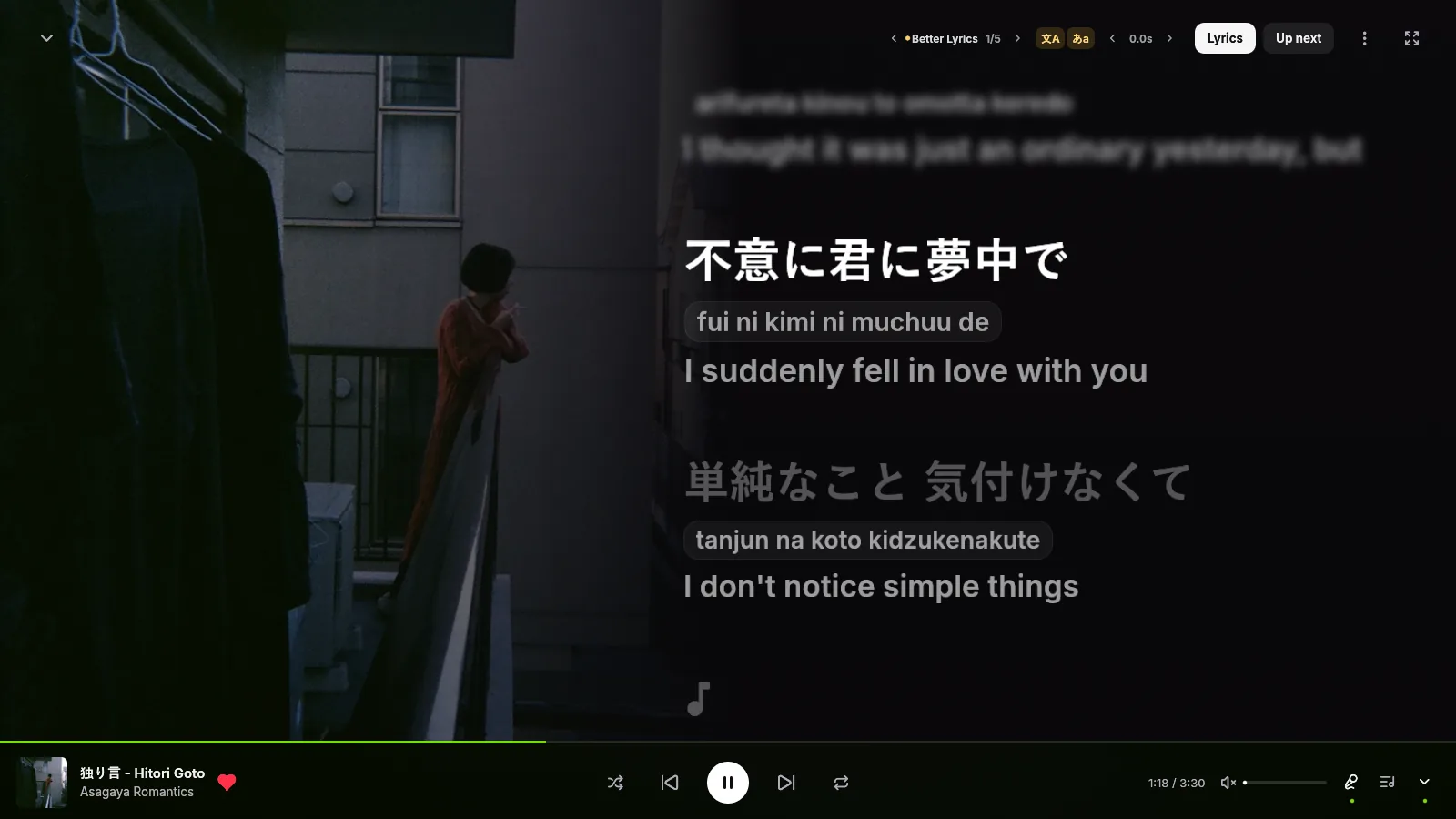
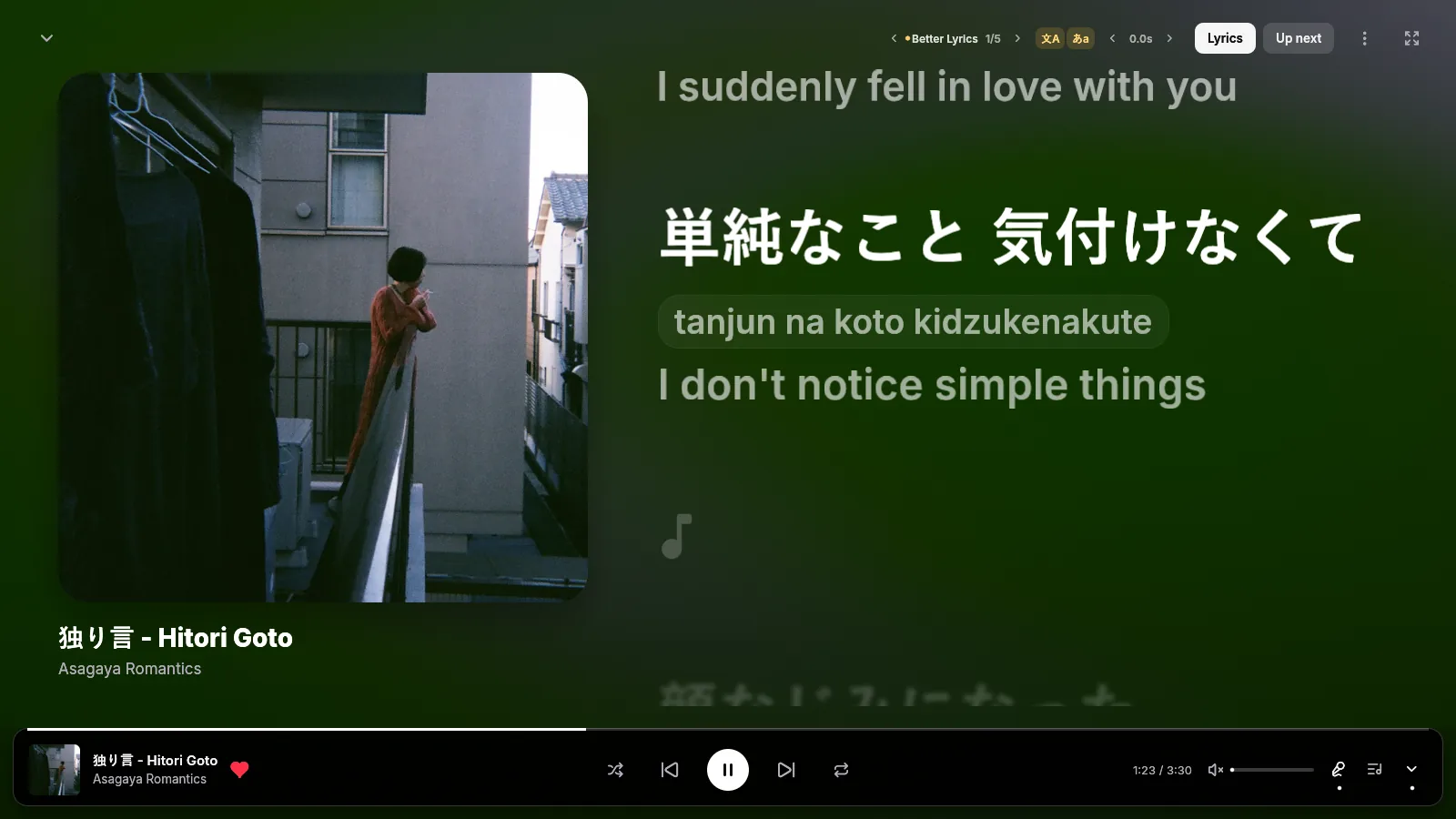
Word-by-word lyrics from every Better Lyrics source, with romanization and a translation under Japanese, Korean and Chinese lines. Click a line to seek. Hide them to see just the art.
Drop MP3, M4A, FLAC, OGG or WMA files on the window. They go to your YouTube Music library, tags and cover art included.
Loudness normalization from YouTube's own measurements. The next song downloads ahead of time, so skipping is instant. Queue, radio, shuffle, repeat and autoplay are all here.
Media keys, the Windows media flyout, play and skip buttons on the taskbar, close to tray, Discord Rich Presence, and controls named for screen readers.
New versions download in the background and install when you close the app. Each update shows its release notes, written by a person.
Songs YouTube keeps behind your account play through your signed-in session. With Premium they play natively, and everything plays at 256 kbps. Without it, age-restricted tracks fall back to yt-dlp, so they still play.
Themes
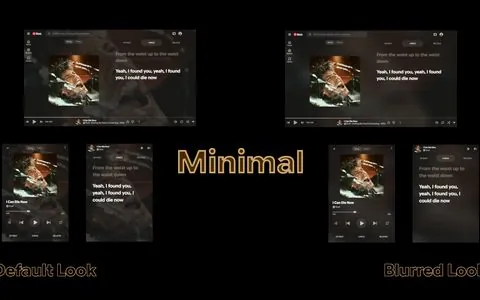
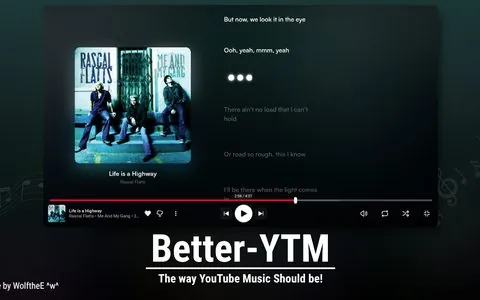
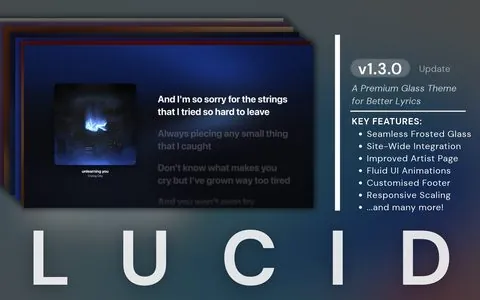
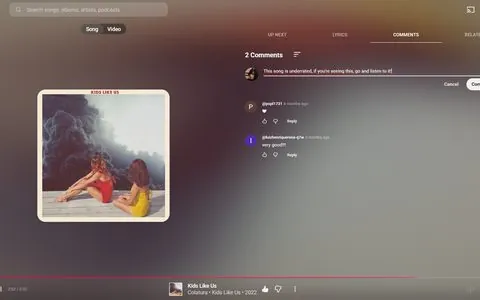
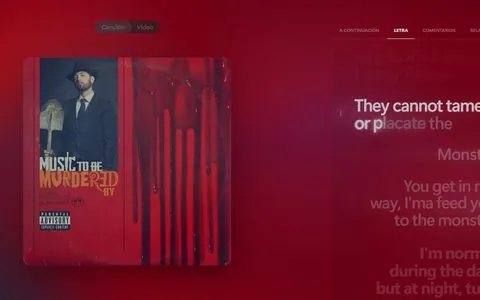
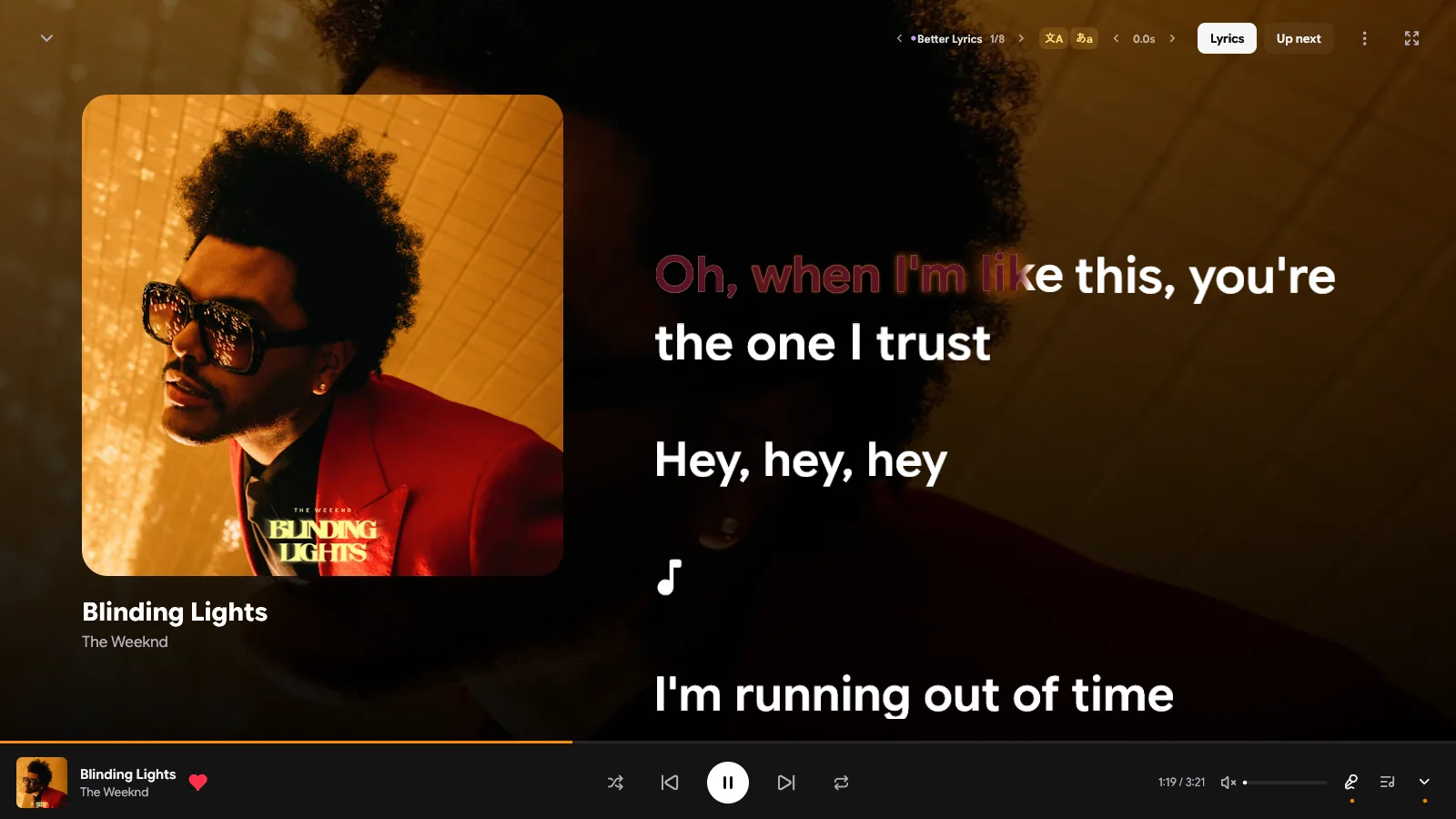
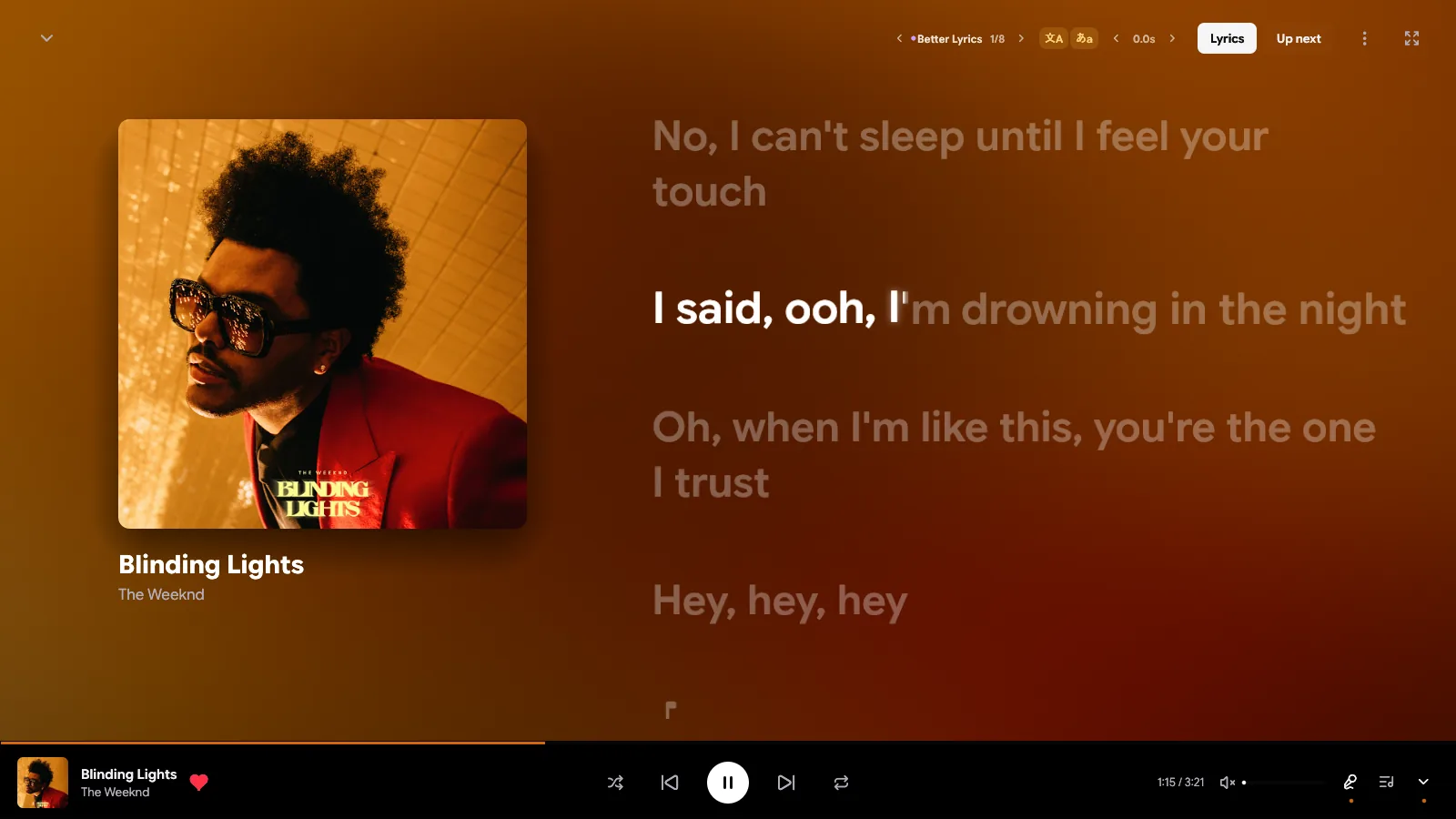
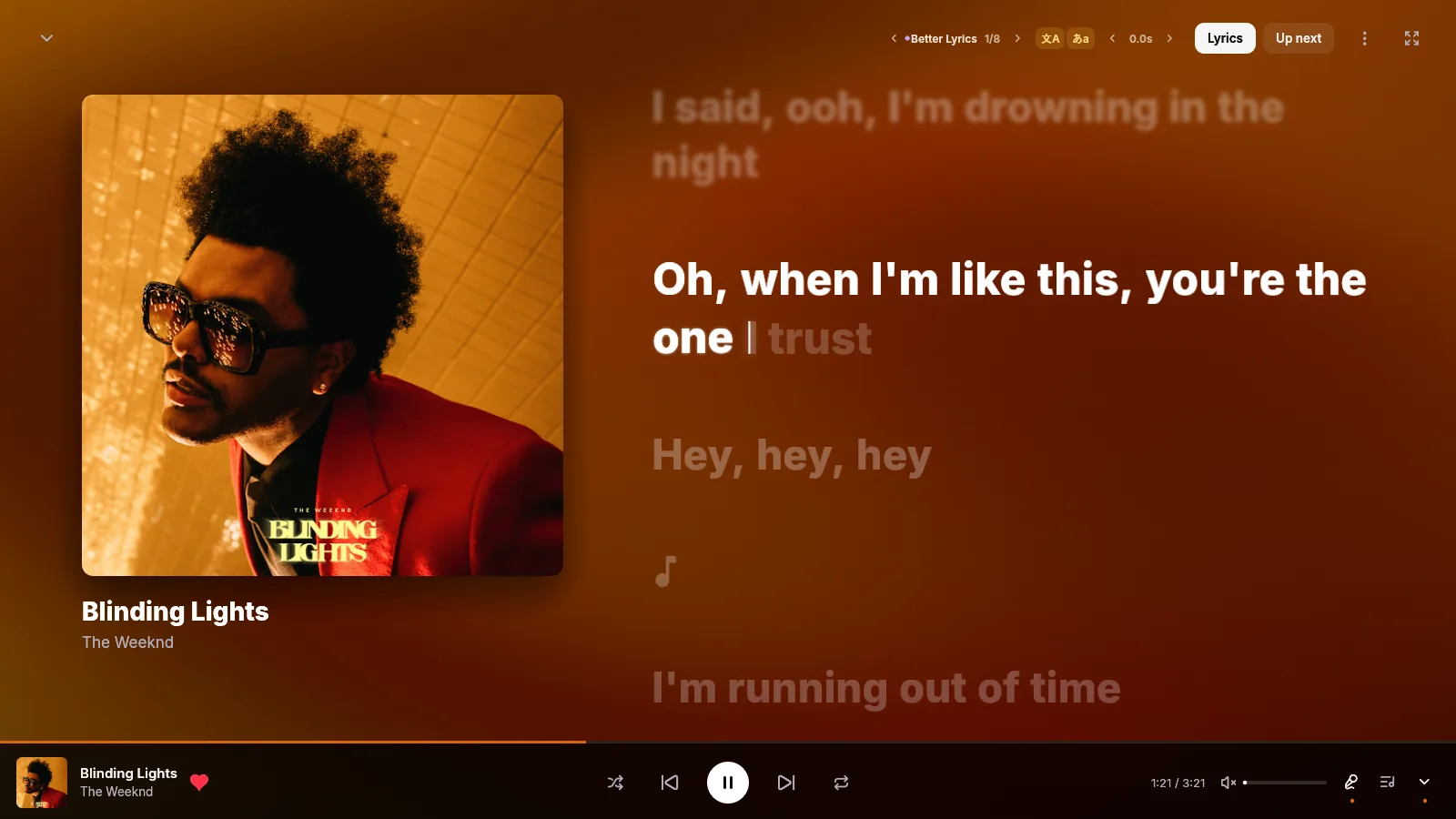
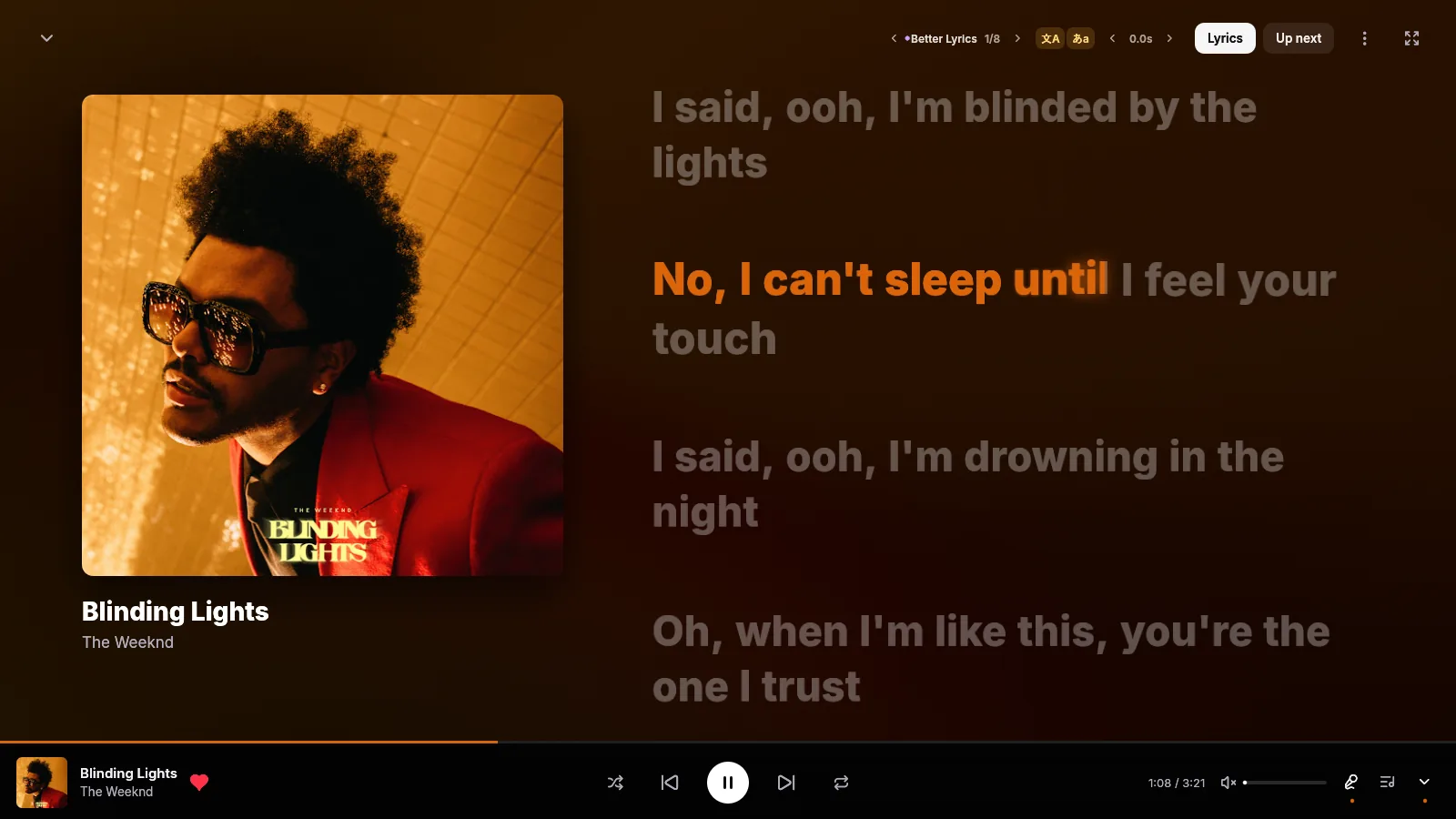
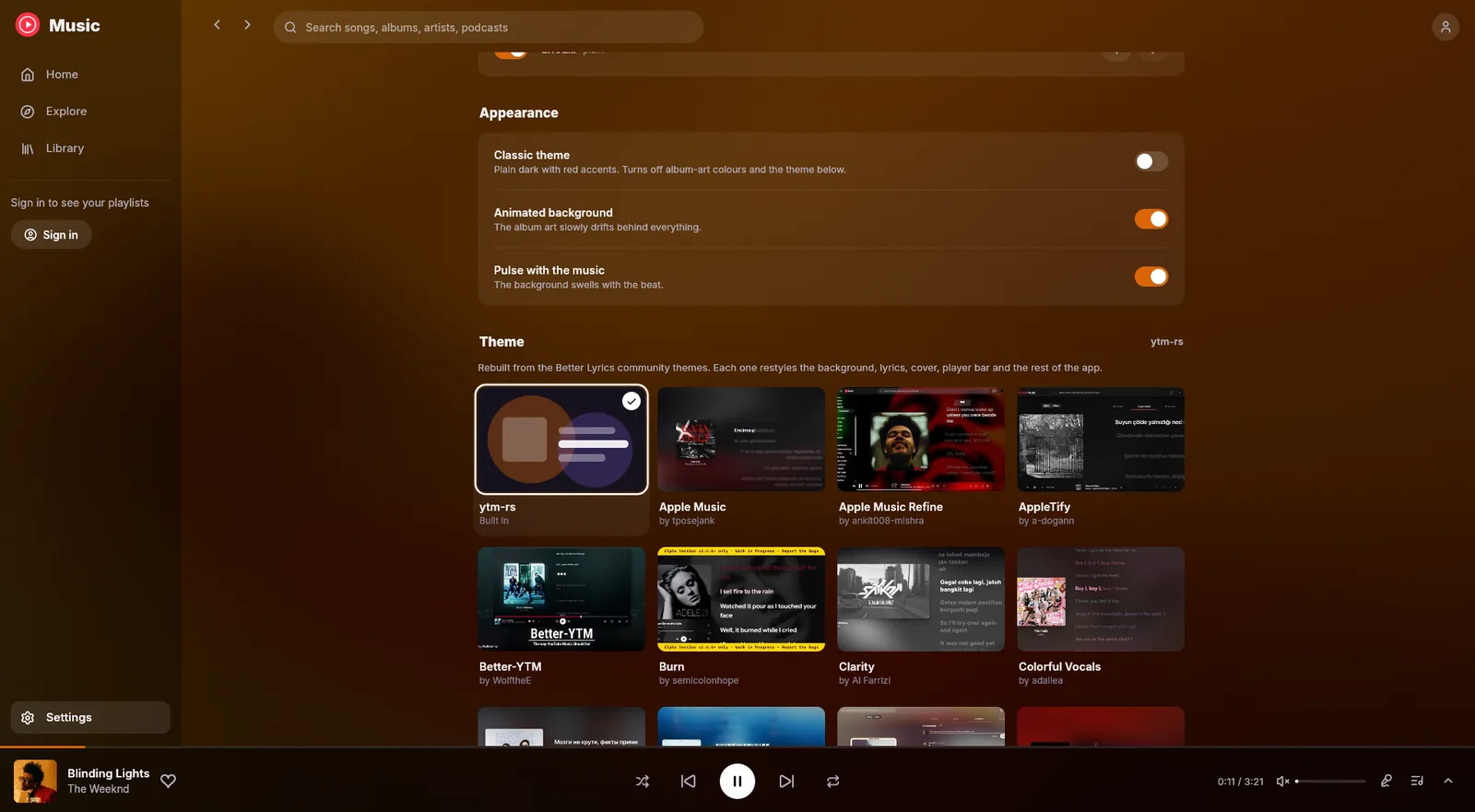
The Better Lyrics community made these as CSS for the browser. ytm-rs translates each one into native rendering: its lyrics, warped backdrop, cover, player bar, fonts and the rest of the app. Every theme credits its creators.
Under the hood
The interface is egui on OpenGL. Audio is rodio and Symphonia. Browsing goes straight to YouTube Music's own internal API. It all compiles into one 17 MB executable.
ytm-rs
Rust · tokio
Playback asks YouTube's player endpoint as the visionOS client. It hands back plain stream URLs that allow any byte range, so there's no signature puzzle to solve first. If YouTube returns a 403 halfway through a song, the stream gets a fresh URL and keeps going.
Signed-in Premium streams need YouTube's player JavaScript solved. ytm-rs runs yt-dlp's EJS solver in an embedded QuickJS. The older engine took 16 minutes to prepare one player. rquickjs 0.14 takes about 5 seconds, once per player version.
Opening an MP4 for seeking normally means reading every fragment first. ytm-rs starts on a streaming decoder right away, then swaps in a seekable one built over the same buffer the moment you seek.
egui lays out the whole window on every frame, so frames cost CPU. Browsing runs at 15 fps and now playing at 30, except while a lyric line fills, which gets every frame so the sweep stays smooth. When nothing moves, nothing gets drawn.
The warped album-art background is a native shader port of Kawarp from Better Lyrics, and it reacts to the music. The backgrounds on this page run a WebGL version of the same idea.
The lyrics renderer is a port of Better Lyrics. The glow is a real blur of the lit letters, never a box behind them, and theme blur is rendered properly instead of stacked fake copies. CJK lines render bold, shifted onto the same baseline as Latin text.
A closer look

v0.2.13 · 7.4 MB · Windows · October 2026
Installs for your user only, no administrator needed. It adds a Start menu shortcut, and you can uninstall it from Windows Settings.
> git clone https://github.com/grapedjuice/ytm-rs.git
> cd ytm-rs
> cargo build --release
Needs the Rust toolchain and the MSVC C++ build tools. The app lands in target\release\ytm-rs.exe.
FAQ
Yes. ytm-rs is free and open source under the GPL-3.0 license. The app has no ads, accounts or paid tiers of its own.
No. ytm-rs is an unofficial client built by an independent developer. It talks to the same services music.youtube.com uses, so changes on YouTube's side can occasionally affect playback, sign-in or lyrics.
No. You can browse, search and play without signing in. Signing in unlocks your home feed, library, likes and history. If your account has Premium, Premium-only songs play natively and everything plays at 256 kbps.
Releases are built and tested for Windows. The app is written with cross-platform Rust libraries, but macOS and Linux builds aren't published or tested yet.
Open Settings → Sign in with Google. Google's own sign-in page opens in a temporary system WebView2 window, and the session stays on your computer. The player itself never runs in a webview.
Synced lyrics come from every source the Better Lyrics extension uses: Better Lyrics, Unison, Musixmatch, LRCLib and others. If one has nothing for a song, the next takes over. Romanization and translations come from the lyrics when they include them, otherwise from Unison or Google Translate. Machine translations can have rough spots.
The installed app checks GitHub for new releases, downloads them in the background and installs when you close it. Choose Restart to update to install right away, or turn updates off in Settings → Updates.